Consultation of Operator's Properties
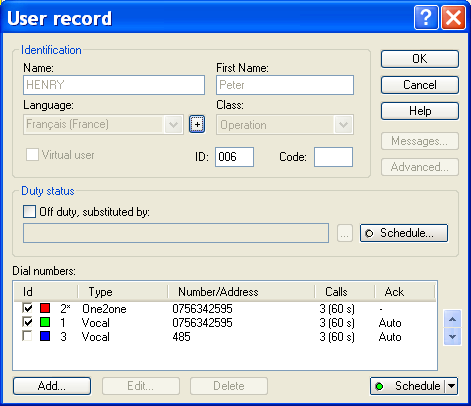
At any moment an operator can consult his own operator record and modify some parameters. To access to his file, the operato r must select the command " User record... " of the "Operation" menu. He can do it easily by clicking on the button .
This dialog box displays the properties of the operator who is logged on the application. The basic properties of the operator (name, first name, language, class, station, creation and call options) cannot be modified at this level. See § 5.1.1 "User properties".