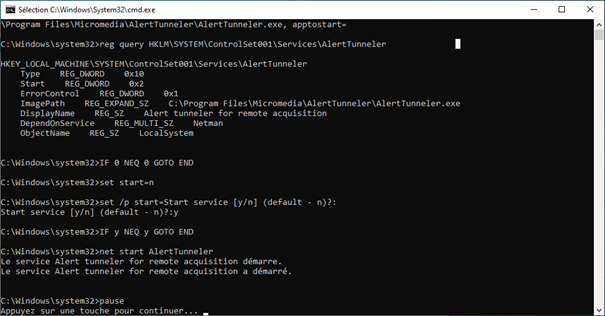
Setup as service
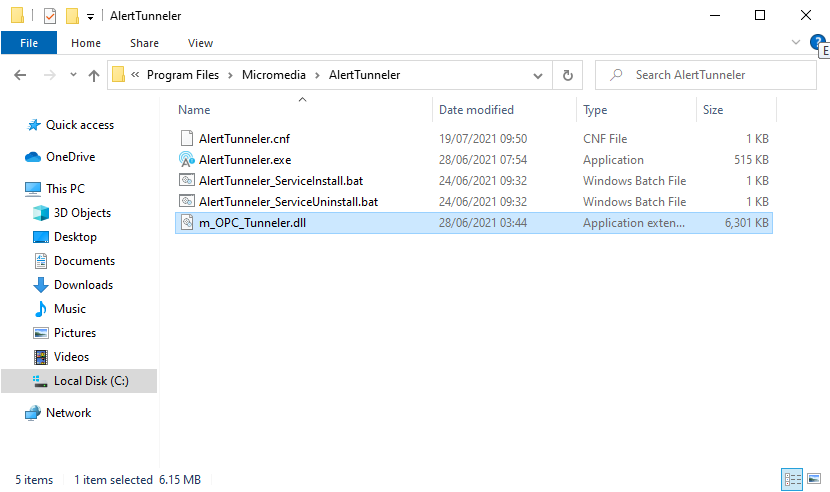
Navigate to the folder: « C:\Program Files\Micromedia\AlertTunneler » for a 64-bit installation or « C:\Program Files (x86)\Micromedia\AlertTunneler » for a 32-bit installation.
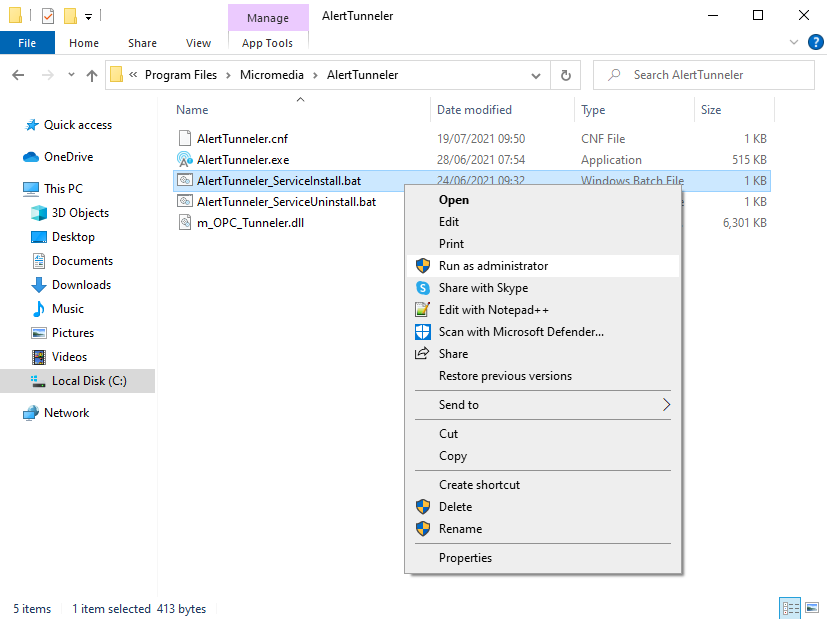
Do a right click on the 'AlertTunneler_ServiceInstall.bat' file, then select 'Run as administrator'.
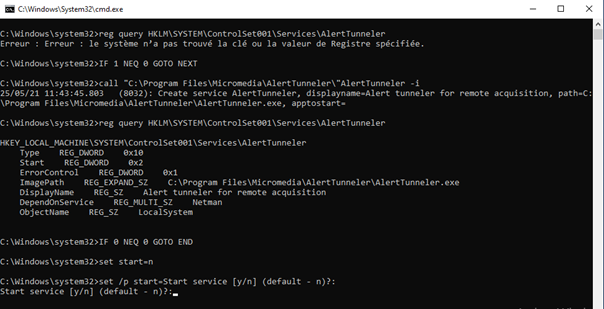
'AlertTunneler_ServiceInstall.bat' file is executed in a terminal, when the installation is complete enter 'y' if you want to start the service immediately otherwise enter 'n' then press the 'Enter' to validate.
The result of the execution of the 'AlertTunneler' service is specified at the bottom of the terminal window.
Press a key to make the window disappear.