Application setup
"ALERT Tunneler" module setup of the ALERT solution must be done on OPC server host.
-
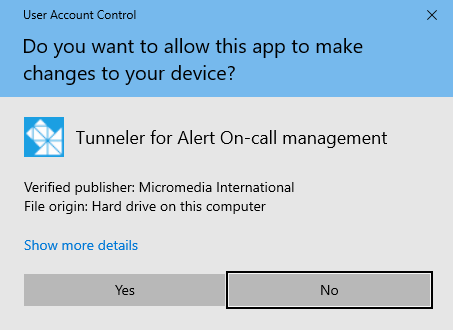
Run the "ALERT Tunneler" setup and accept the execution by clicking the "Yes" button.
-
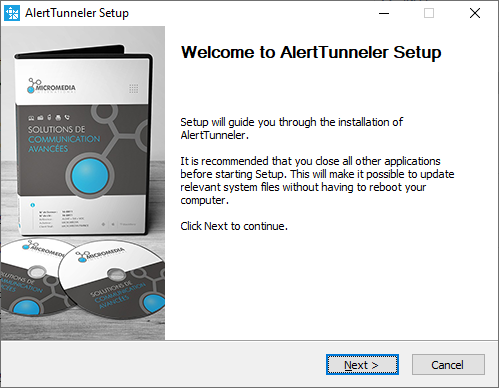
Click on "Next" button.
-
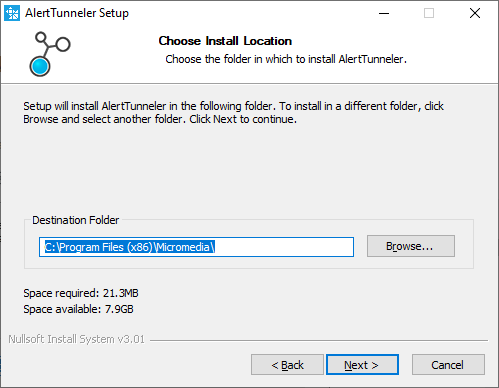
Check or change the location of the setup folder, this folder contains the folder "AlertTunneler" including the following files:
- the configuration file « AlertTunneler.cnf »
- the executable « AlertTunneler.exe »
- The setup file for service « AlertTunneler_ServiceInstall.bat »
- The uninstallation file for service « AlertTunneler_ServiceUninstall.bat»
- the dll file « m_OPC_Tunneler.dll »
-
Click on "Next" button.
-
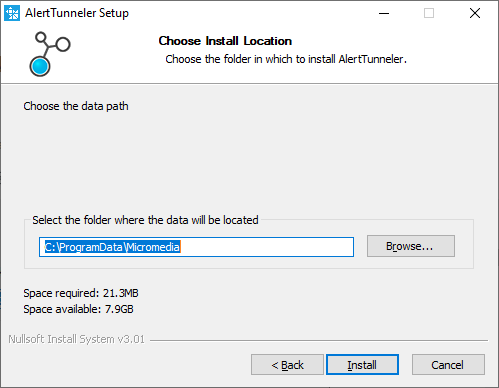
Check or change the location of the data storage folder, this folder contains the folder "AlertTunneler" including the following files:
- ALERT Tunneler logs
- the "AlertTunneler.ini" options file
- the "m_OPC_Tunneler.ini" options file
Then click on "Install" button.
-
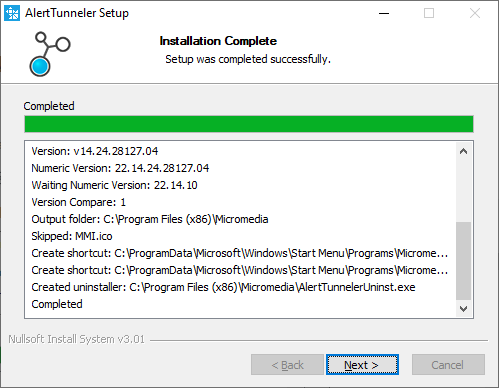
Wait the end of setup and then click on the "Next" button.
-
If you do not want to launch ALERT Tunneler at the end of this installation, uncheck the "Launch Alert Tunneler" option, then click on "Finish" button.
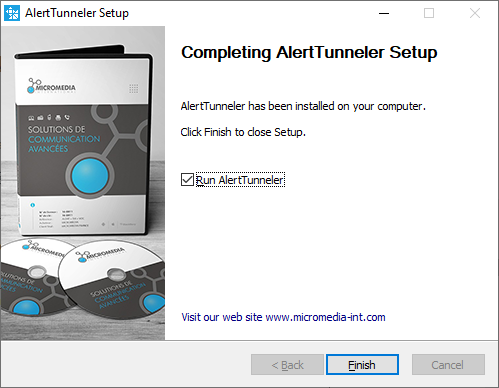
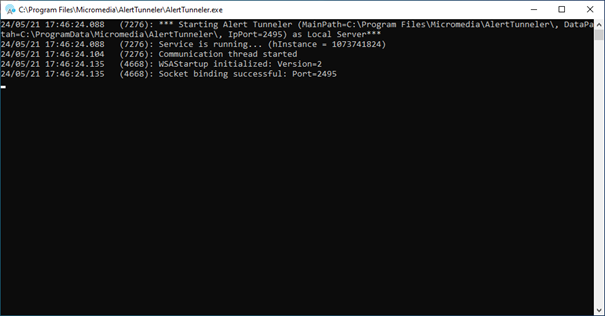
If the "Launch Alert Tunneler" option was checked "Alert Tunneler" will be executed in a "Terminal".