Adding a data server
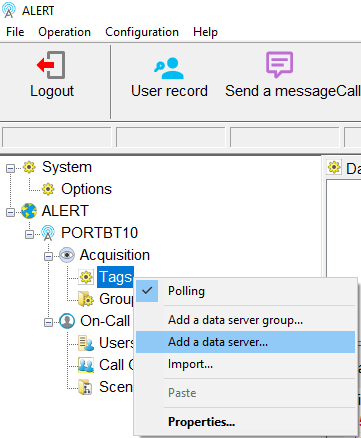
To add a connection to a data server in Alert, right-click Tags in the Alert tree.
-
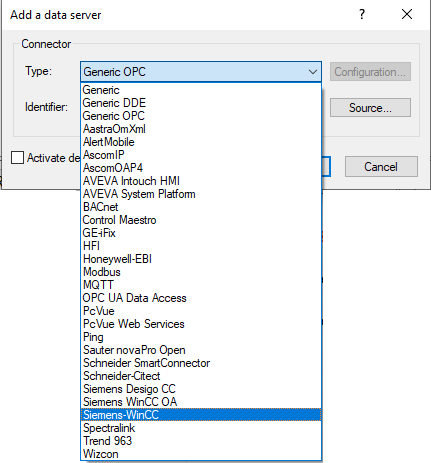
The Add a data server window appears.
-
Set the Type parameter by selecting a connector from the list.

-
Click Source to specify the parameters of the selected connector.
 info
infoThe configuration of these parameters is described in the articles associated with each connector.
-
Click OK to finalise adding the data server.

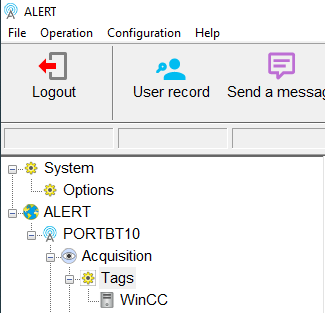
The data server is now added in the Alert tree.