Data Server Configuration
To retrieve data from an OPC UA server, you must declare it as a data server in Alert.
Adding the Data Server
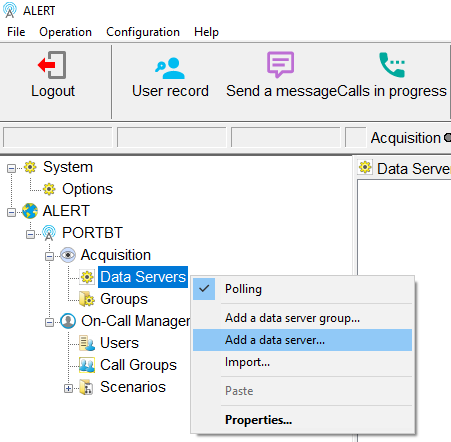
Right-click Data Servers under the Acquisition node in the Alert tree, then select Add a data server....
The Add a data server dialog opens with the default connector type.

Open the Type dropdown and select OPC UA Data Access.
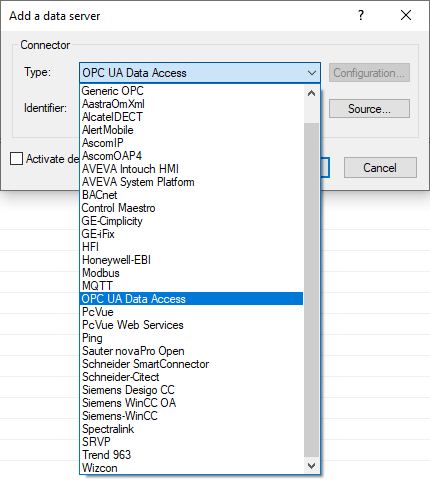
The type is now set to OPC UA Data Access. Click Source... to configure the connection parameters.

Source Configuration
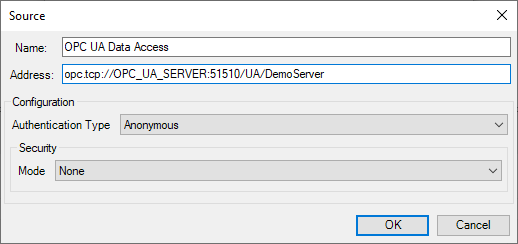
The Source dialog opens. Fill in the Name and Address fields.

| Field | Description |
|---|---|
| Name | Display name for this data server in Alert |
| Address | OPC UA server URL (e.g. opc.tcp://OPC_UA_SERVER:51510/UA/DemoServer) |
Authentication Type
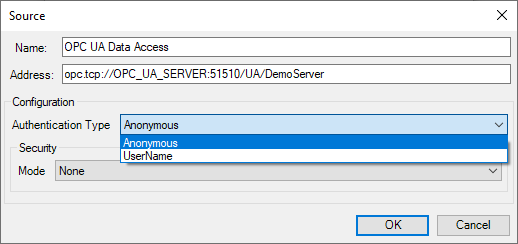
Open the Authentication Type dropdown to choose the authentication method.
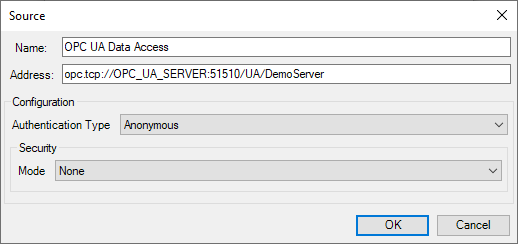
Anonymous
Select Anonymous when the OPC UA server requires no credentials.
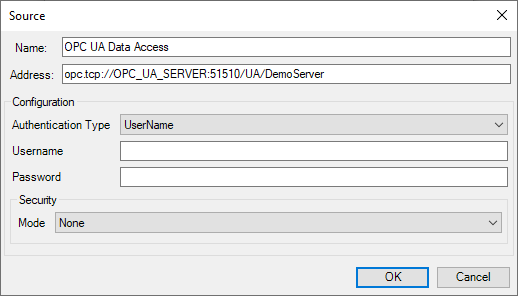
UserName
Select UserName when the server requires a login. Username and Password fields appear.
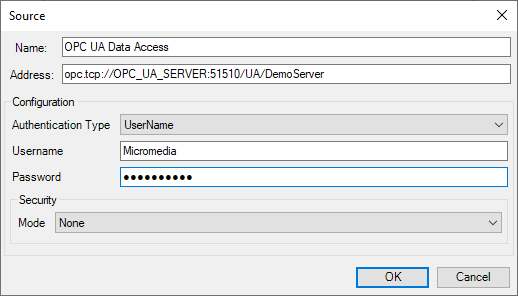
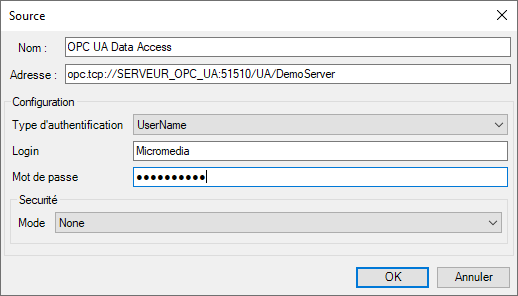
Enter the credentials provided by the OPC UA server administrator.
Security Mode
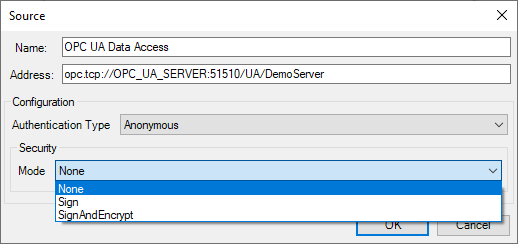
Under Security, open the Mode dropdown.
None
Select None for an unsecured connection without certificate or encryption.
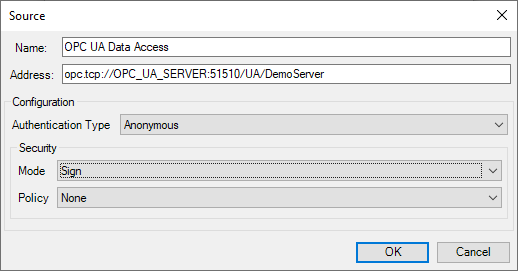
Sign
Select Sign to require certificate-based authentication. A Policy dropdown appears.
Open the Policy dropdown to select the security policy.
SignAndEncrypt
Select SignAndEncrypt to require both certificate authentication and encrypted communication. A Policy dropdown appears.
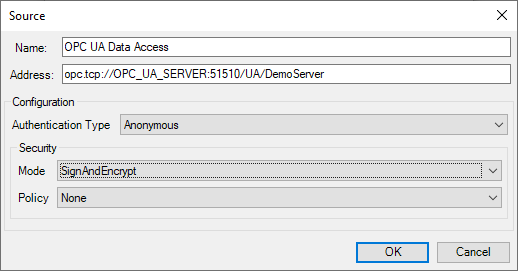
Open the Policy dropdown to select the security policy.
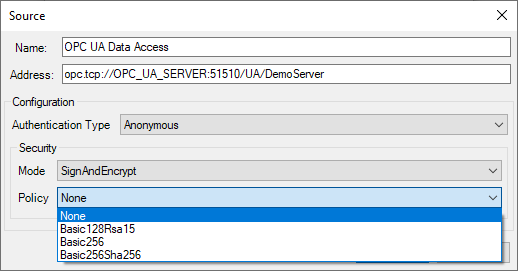
Available policies for both Sign and SignAndEncrypt: None, Basic128Rsa15, Basic256, Basic256Sha256.
Finalizing
Click OK in the Source dialog. Alert attempts to connect to the OPC UA server and presents the server certificate for acceptance.
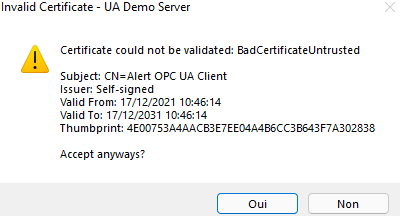
Click Yes to trust the certificate and proceed.
Connection succeeds
The Add a data server dialog reappears with the Identifier field populated. Click OK to save the data server.

Connection fails
A warning is displayed indicating the connection error.

A prompt asks whether to save the configuration anyway.

Click Yes to save and retry the connection later, or No to discard the configuration.