Desigo CC
The connection between Alert and Desigo CC operates through an exposed web service, enabling Alert to dynamically receive alarms or read tags defined in Desigo CC.
Two alarm connection types:
- Dynamic — receive alarms from Desigo CC and create them automatically in Alert.
- Static — connect to specific tags in Desigo CC and analyze their value to raise alarms in Alert.
Prerequisites
- Alert and Desigo CC must be able to communicate over the network if installed on separate computers.
- A dedicated Desigo CC user with web service connection rights must be defined (e.g. a member of the Siemens Admin group).
- If a firewall exists between the two servers, port 80 (HTTP) or 443 (HTTPS) must be open.
Server connection
-
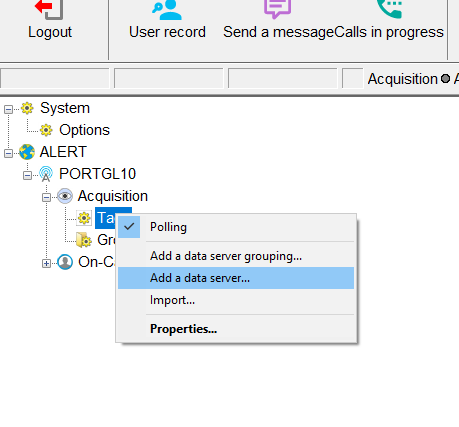
In the Alert tree, right-click Tags and select Add a data server.
-
In the Type dropdown, select Siemens Desigo CC.

-
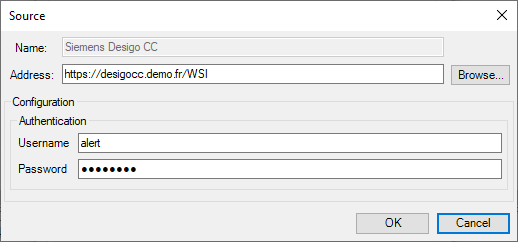
Enter the connection parameters. The address must match the Desigo CC installation location.
-
Enter the username and password corresponding to the Desigo CC credentials.

-
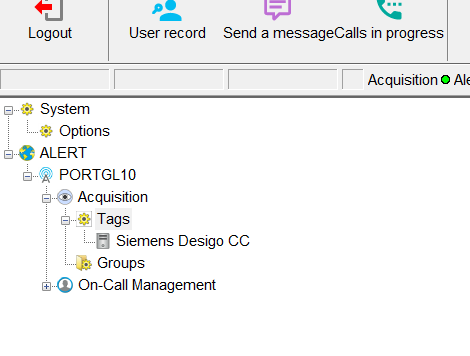
Click OK to validate.

Dynamic alarms configuration
-
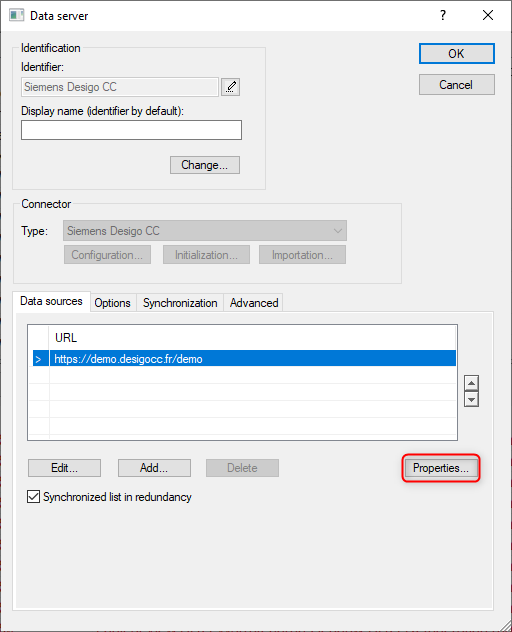
Right-click the data server and select Properties.
-
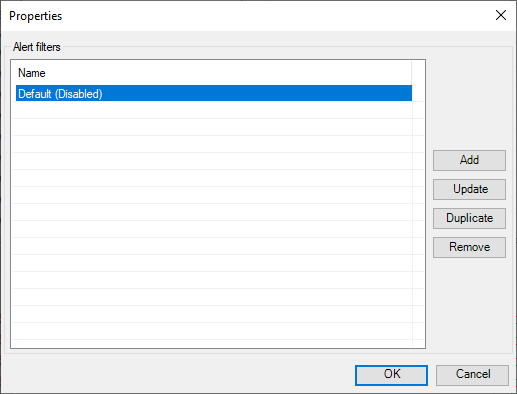
In the window, click Properties again.
-
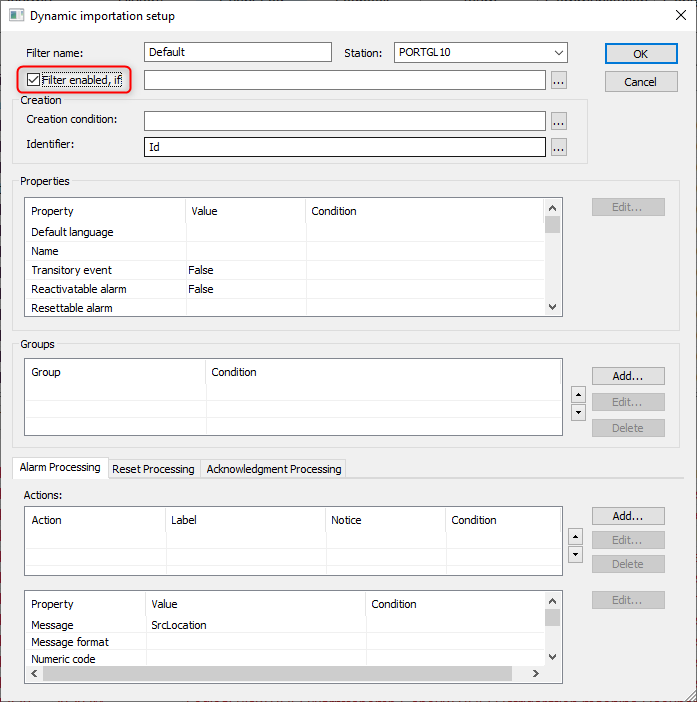
Select the default filter line and click Edit.
-
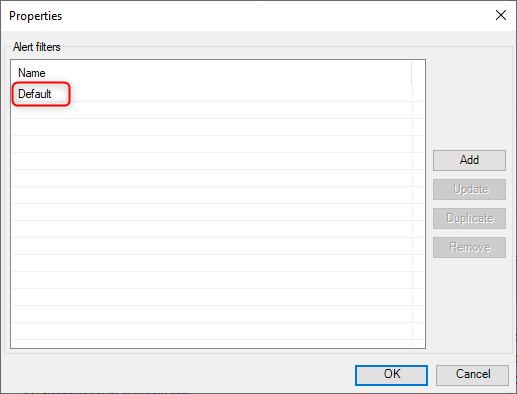
Enable the Filter enabled, if option and click OK.
Static alarms configuration
-
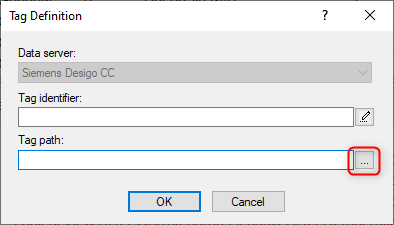
Right-click the data server and select Add a tag.
-
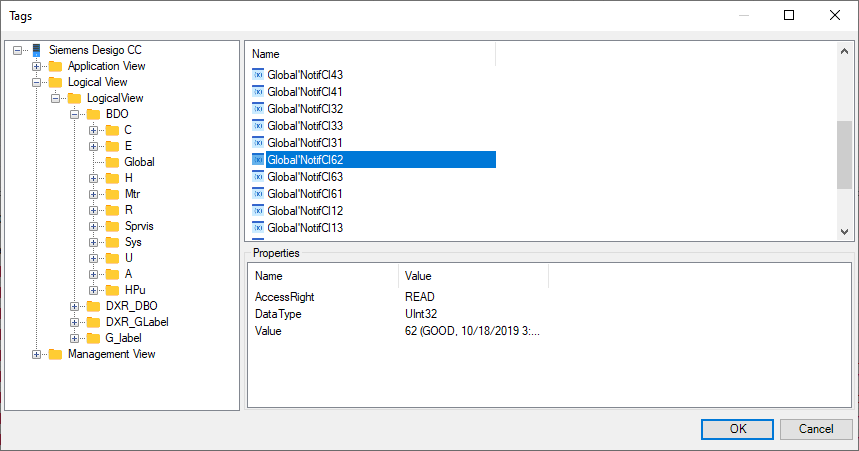
Click the browse button (bottom right) to locate the variable in the Desigo CC tree.
-
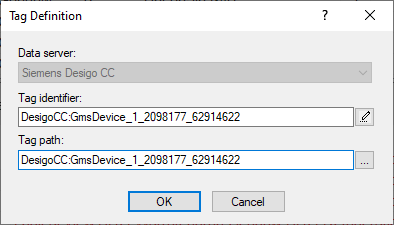
Select the variable in the tree and click OK.
-
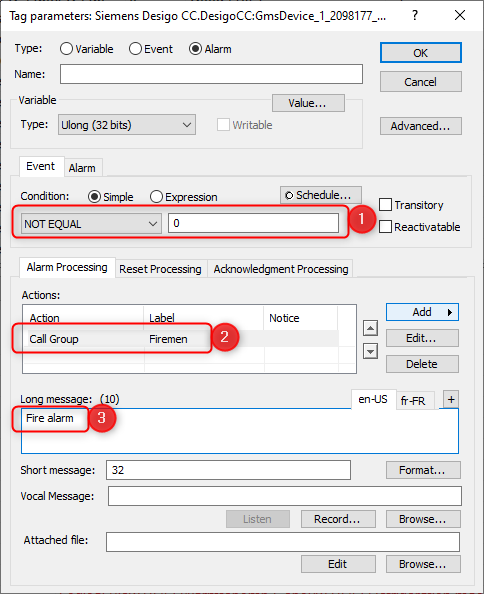
Configure the trigger conditions and alarm actions in the configuration window.