WinCC OA Configuration
Before proceeding, make sure you have read the communication architecture article.
Installation
The communication between Alert and WinCC OA requires the WCCOAAlert manager, developed by Micromedia International. The setup file is located in the Micromedia\AutoInstall\ folder on the DVD.
-
Execute the setup and select the installation language.

-
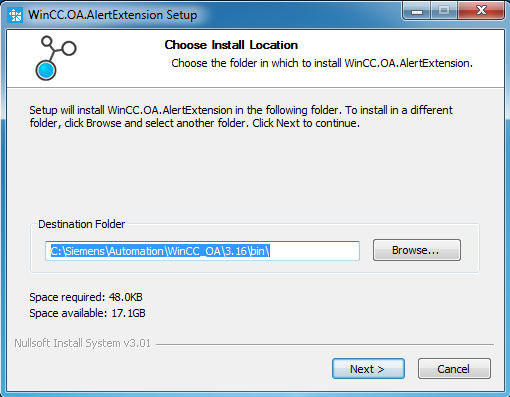
Define the destination folder or use the default location, then click OK.
-
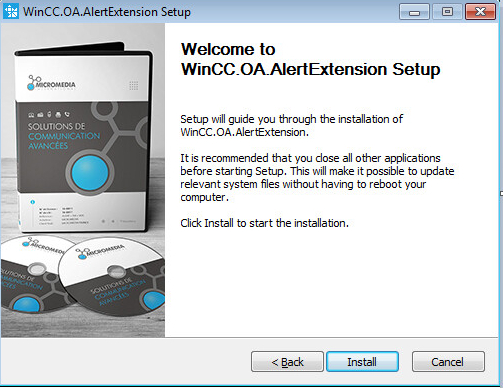
Click Install to run the setup.
-
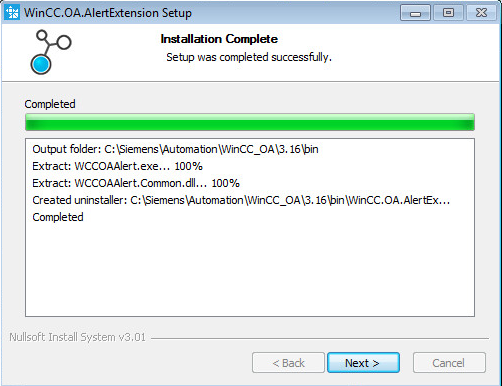
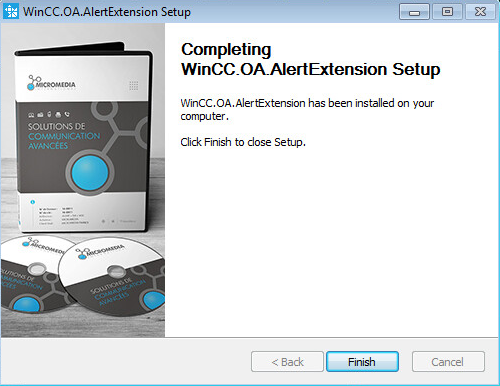
Wait for the installation to complete, then click Next.
-
Click Close.
Configuration
-
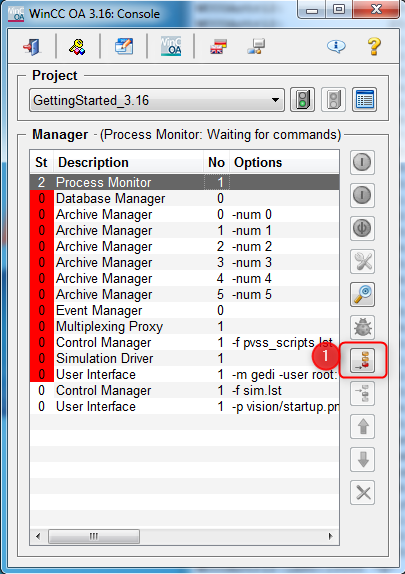
Open the WinCC OA console and click Append a new manager (icon 1).
-
In the Manager Properties window, select the manager named WCCOAAlert (icon 1), fill the options field with
-num 99(icon 2), then click OK.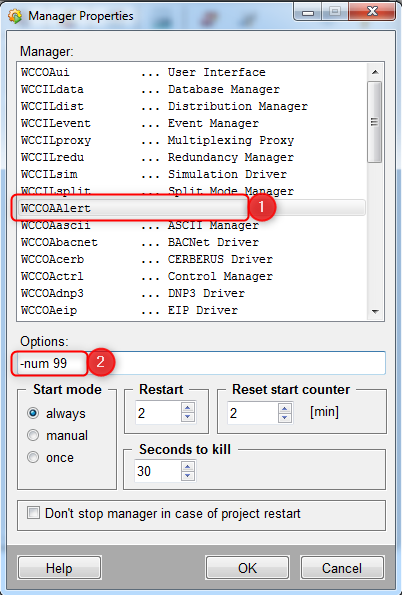
-
Click OK to confirm.
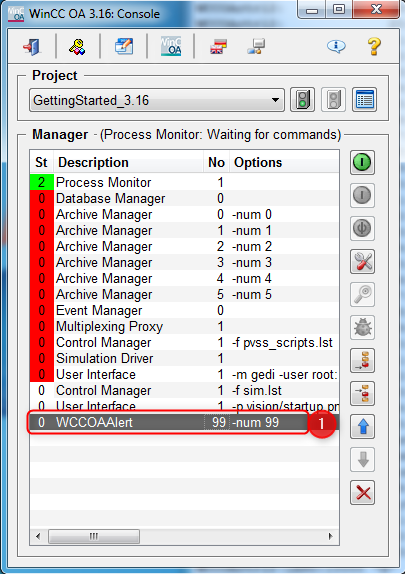
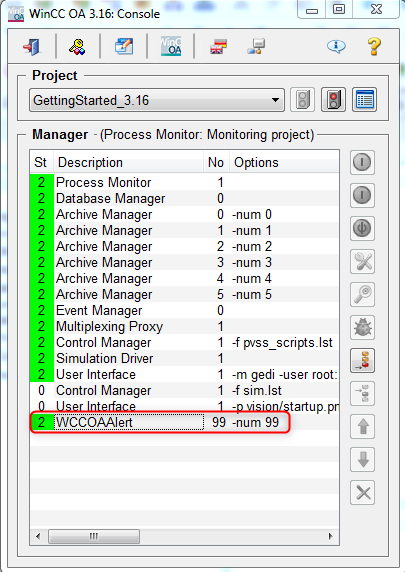
When the project starts, the WCCOAAlert manager should appear green in the list.
Troubleshooting
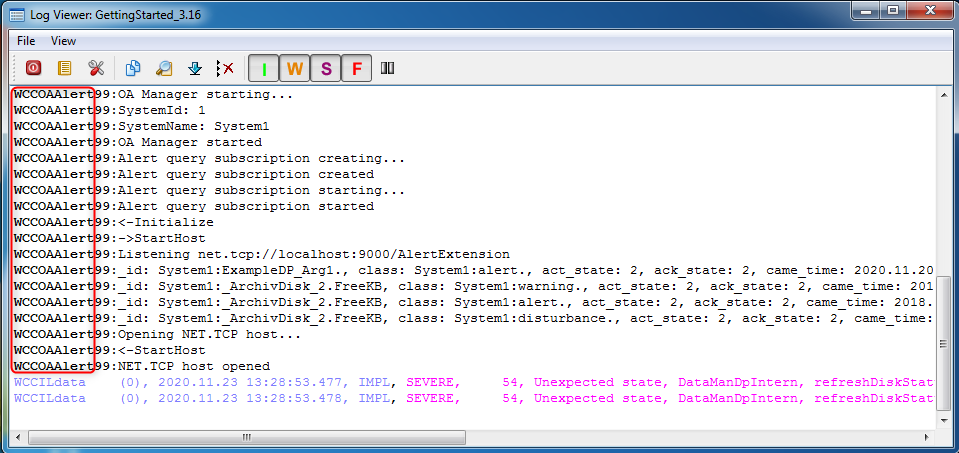
If the manager does not turn green, check the WinCC OA logs and search for WCCOAAlert entries to identify the error.