Configuration of the tunneler
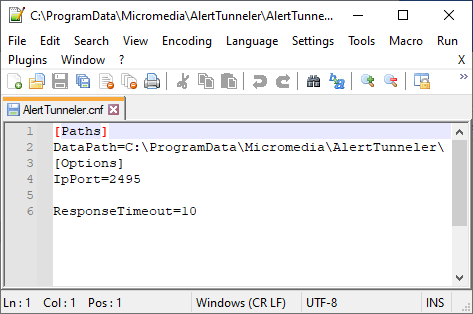
AlertTunneler.cnf
The default file location is « C:\Program Files\Micromedia\AlertTunneler » on 64-bit systems or « C:\Program Files (x86)\Micromedia\AlertTunneler » on 32-bit systems.
This file is used to configure the listening port of 'ALERT Tunneler' module and the data folder location.
| Option | Description |
|---|---|
| IpPort | Listening port configuration of the ALERT Tunneler module. The default listening port is 2495. |
| DataPath | Setting location of the ALERT Tunneler data directory. |
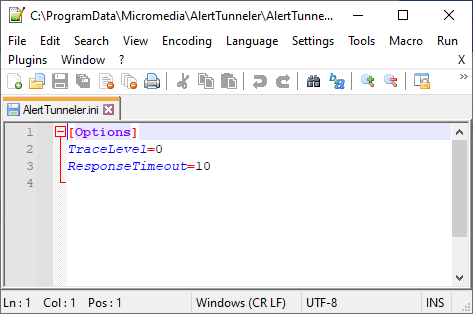
AlertTunneler.ini
The default location for this file is « C:\ProgramData\Micromedia\AlertTunneler ».
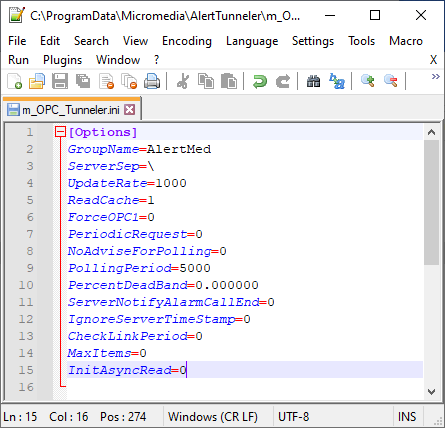
m_OPC_Tunneler.ini
The default location for this file is « C:\ProgramData\Micromedia\AlertTunneler ».